
Webflow has become a reference platform for designers and developers. To get the most out of it, you need to know the right Webflow apps, the ones that make a real difference for your visitors.
In this article, we review 10 Webflow apps that help you enrich and optimize your site. They cover a wide range of needs, from SEO to process automation, and can change the way you manage your site and interact with your users.
Enabling Webflow apps on your site
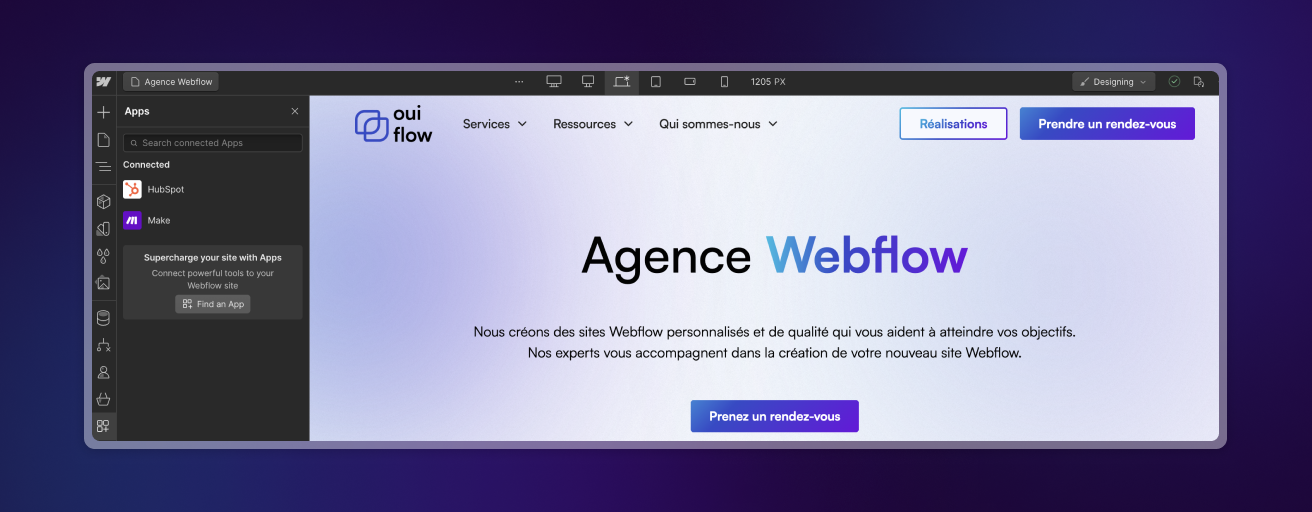
Before going through each app, here is how to enable them in Webflow. To add an app to your site, go to the Webflow Apps library. Choose the app that fits your need and click "Add to site". Then follow the instructions to install it.
1. Slater
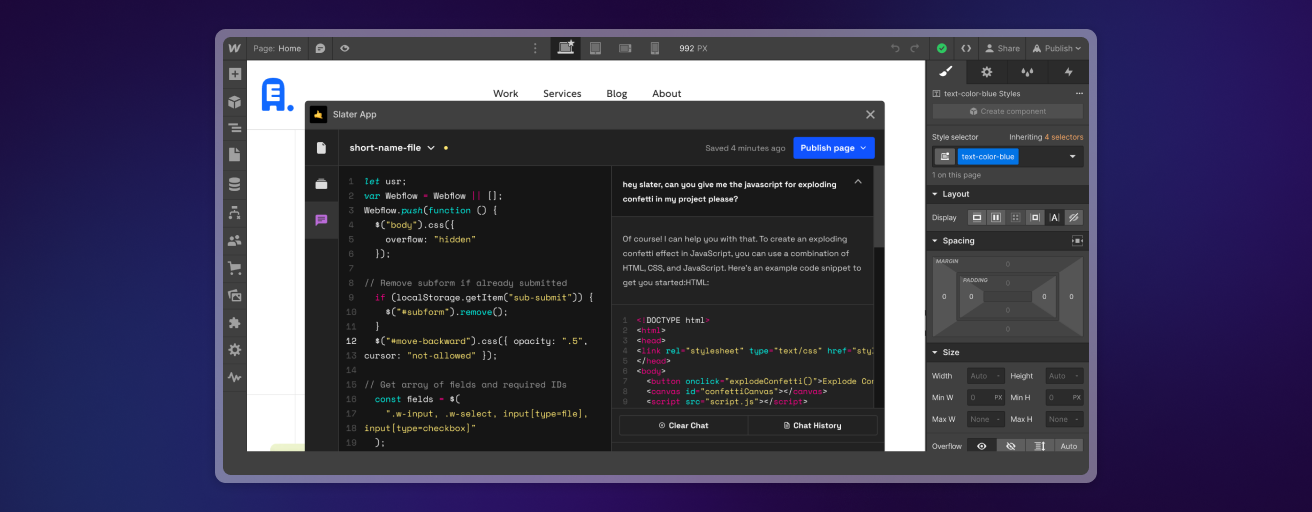
Slater is an advanced code editor that makes custom code in Webflow easier to manage and test. You use it to insert and manage JavaScript, HTML and CSS scripts, with a lot of freedom to customize your site.
- Benefit. You add custom features without advanced coding skills.
2. Typeform
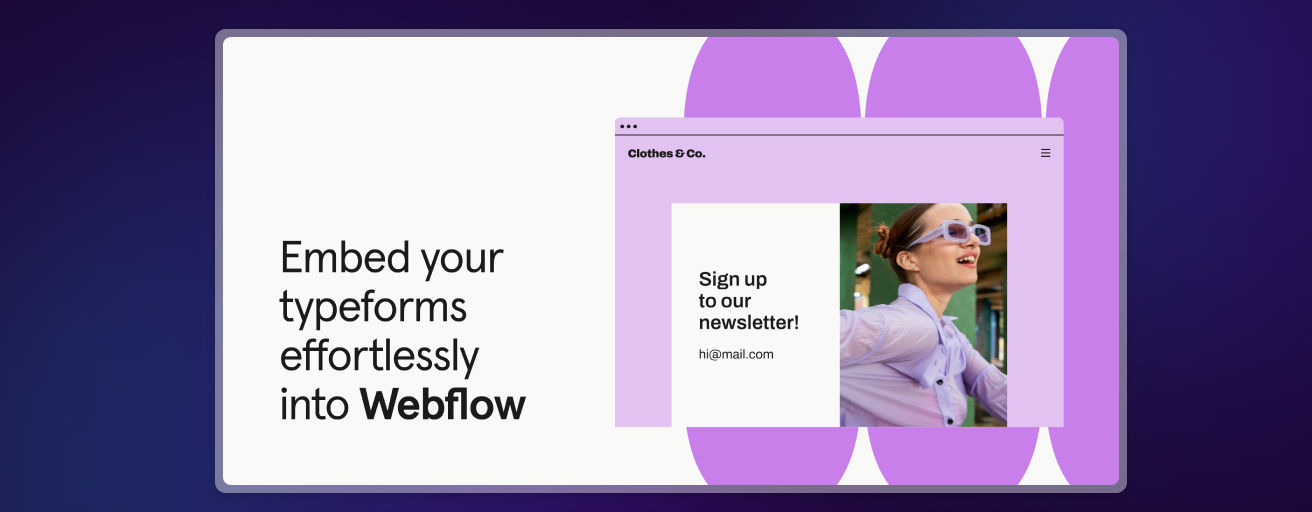
With Typeform, you create interactive forms, surveys and questionnaires with an intuitive drag-and-drop interface. You can use them to collect information, gather feedback or handle sign-ups.
- Benefit. Attractive forms engage your users more and improve data collection.
3. Chaty
Chaty offers multichannel communication. Your visitors can contact you directly via WhatsApp, Messenger or email.
- Benefit. Support available on several channels strengthens customer engagement.

4. Flowplay
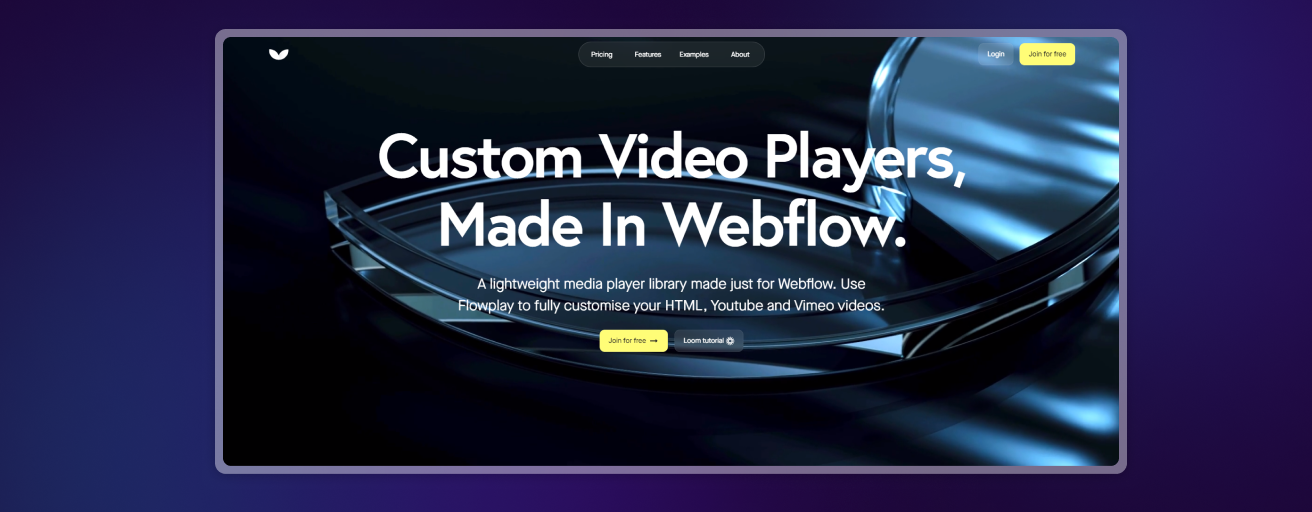
With Flowplay, you can easily add videos to Webflow. Your pages get customer testimonials, product demos or explainer videos.
- Benefit. Videos increase engagement and make the user experience richer.
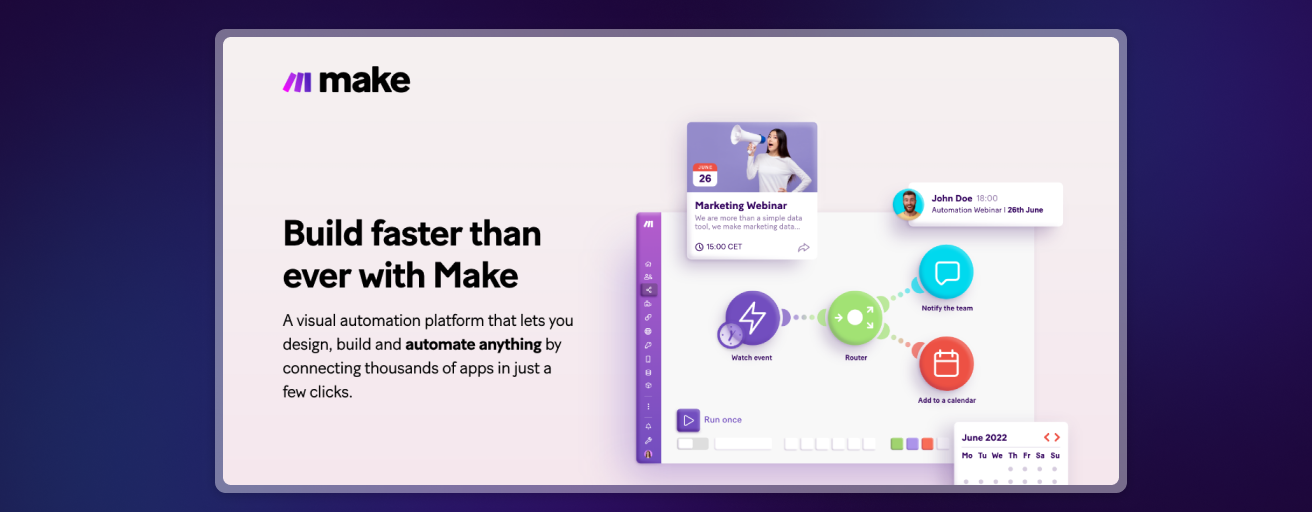
5. Make
Make connects Webflow to many services to automate your workflows, such as updating databases or sending automated emails.
- Benefit. You automate repetitive tasks and simplify complex processes, which saves you time.
6. FluidSEO
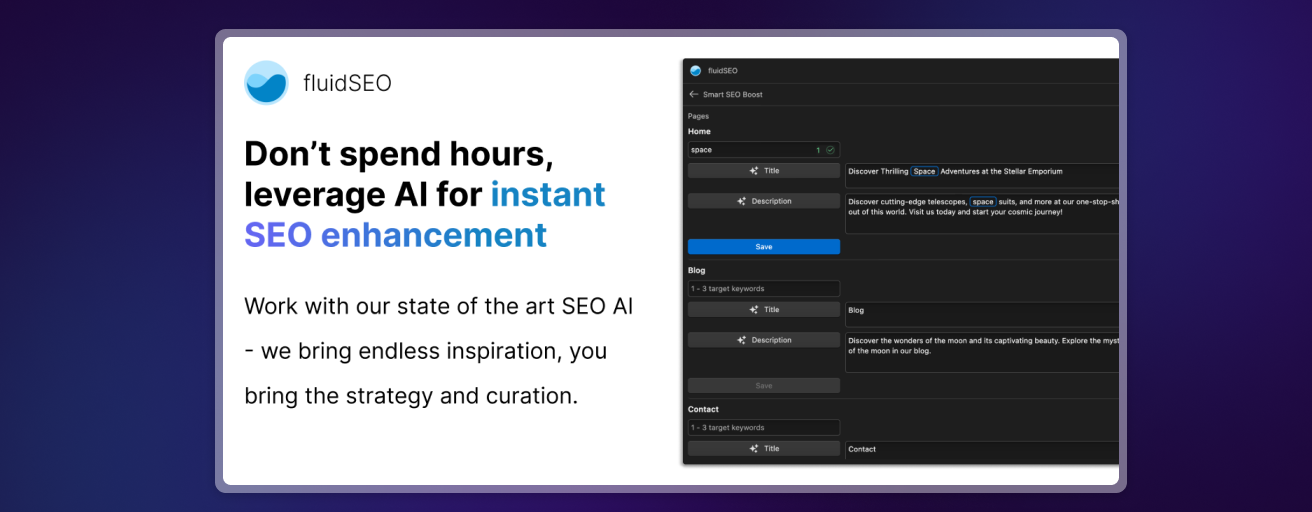
FluidSEO improves your Webflow site's SEO by optimizing key elements such as titles, meta descriptions and image alt attributes.
- Benefit. Your site gains visibility and ranks better in search engines, which brings in organic traffic.
7. Humblytics
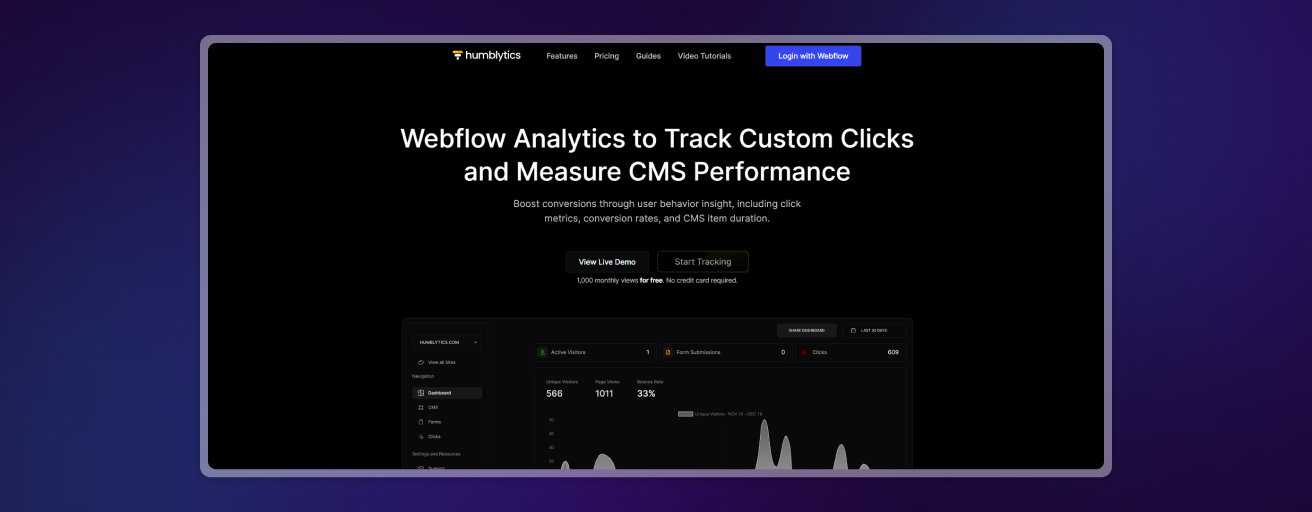
Humblytics provides detailed analytics on traffic and user behavior on your site. You can track conversions and other key metrics.
- Benefit. This data helps you improve your site's engagement and performance.
8. Formly
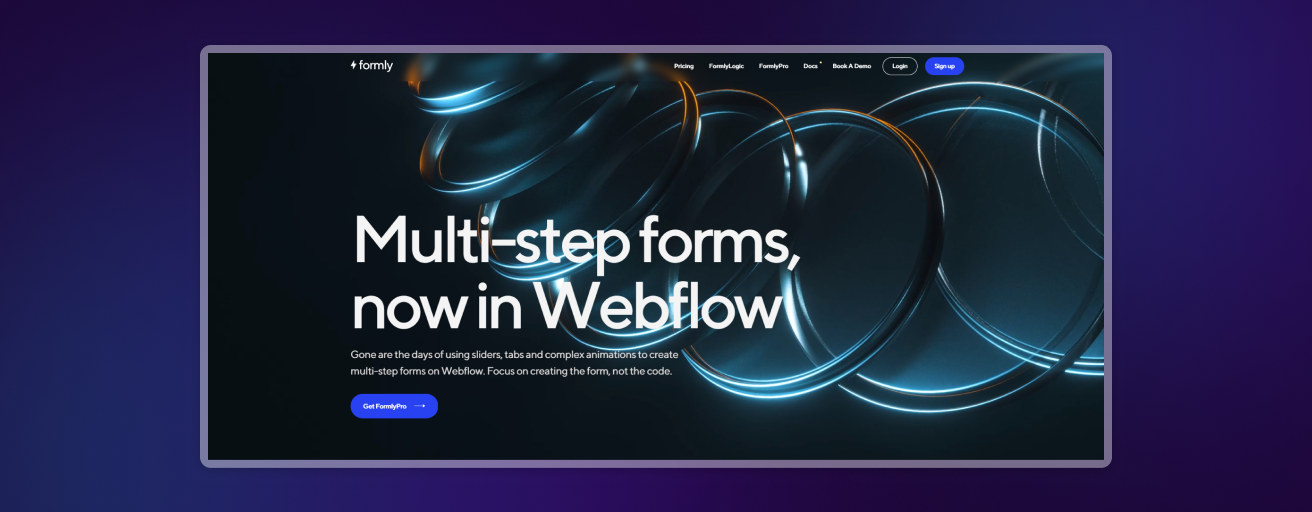
Formly lets you create multi-step forms directly in Webflow, with no code. Its design freedom and advanced features, such as conditional logic, make it a complete tool for your forms.
- Benefit. Multi-step forms and conditional logic go well beyond classic forms.
9. HubSpot
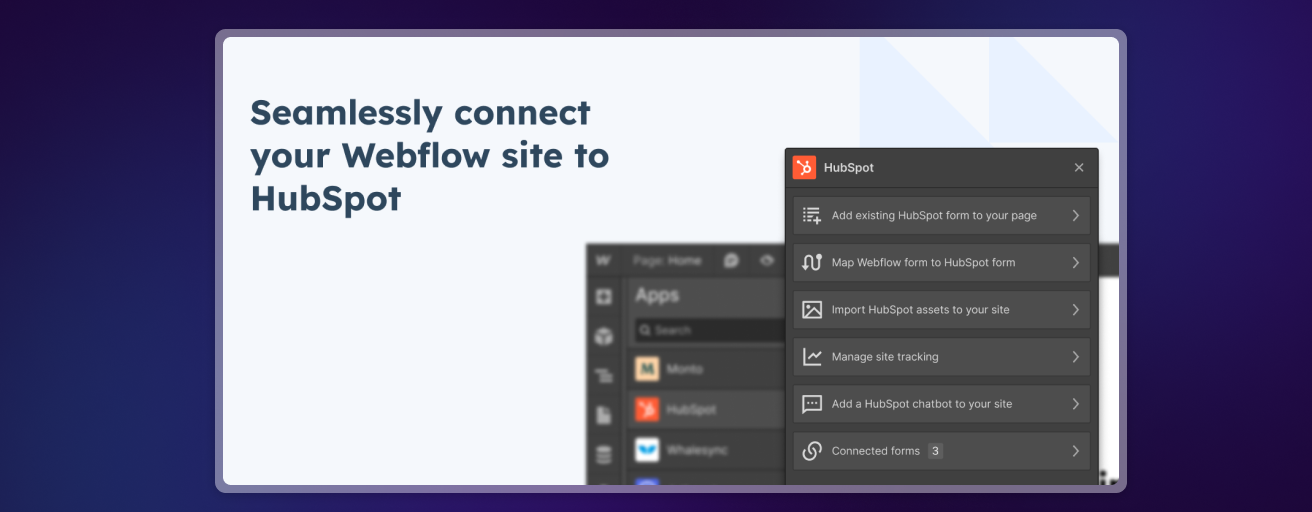
Integrated with Webflow, HubSpot syncs your customer data and manages your marketing campaigns and customer interactions on a single platform.
- Benefit. You centralize lead and customer management, which makes your marketing and sales actions more effective.
10. Memberstack
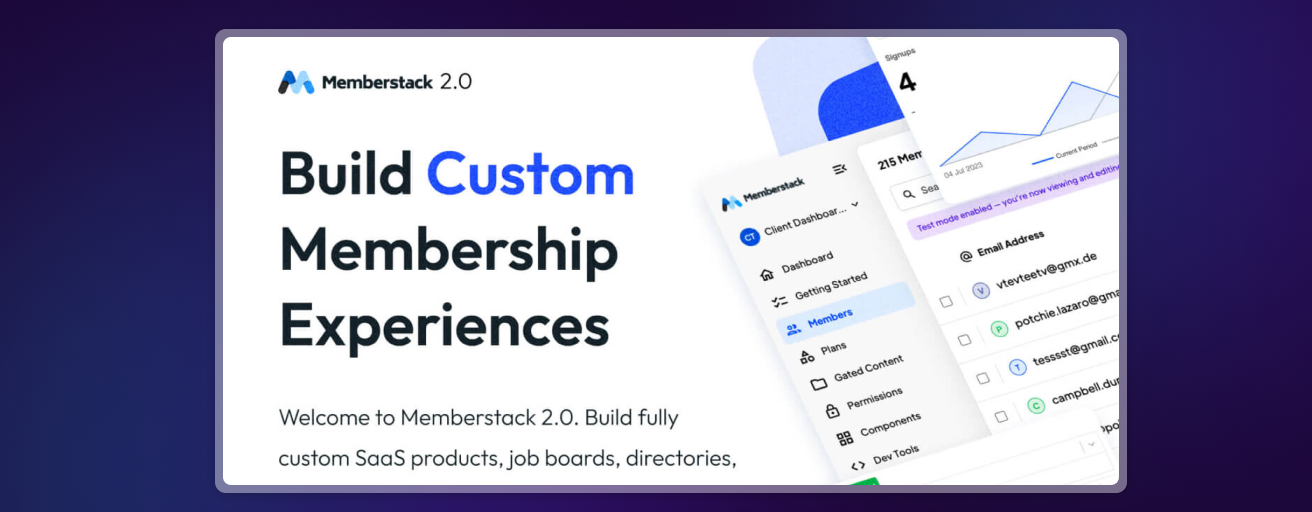
Memberstack adds authentication and member management features to your Webflow site.
- Benefit. You offer personalized experiences to your users and subscription-based services.
Each app has its own value. By choosing carefully, you clearly improve the user experience and the efficiency of your Webflow site. Test them and keep the ones that best fit your needs, and you will manage your site more efficiently.