
Introduction
In 2026, choosing a CMS for your website is still a real headache. WordPress and Webflow dominate the market, and each one meets different needs.
In this Webflow vs WordPress comparison, we look at the 2 tools point by point to help you choose, whether you are a content creator, a designer or the head of a growing company.
An introduction to WordPress and Webflow
WordPress, the long-standing CMS leader
Launched in 2003, WordPress is still the most widely used CMS in the world in 2026. It powers around 40% of websites. Its library of more than 55,000 plugins and its active community make it a common choice for blogs, e-commerce and complex sites. In return, advanced customization requires technical skills and regular maintenance.
Webflow, a modern all-in-one solution
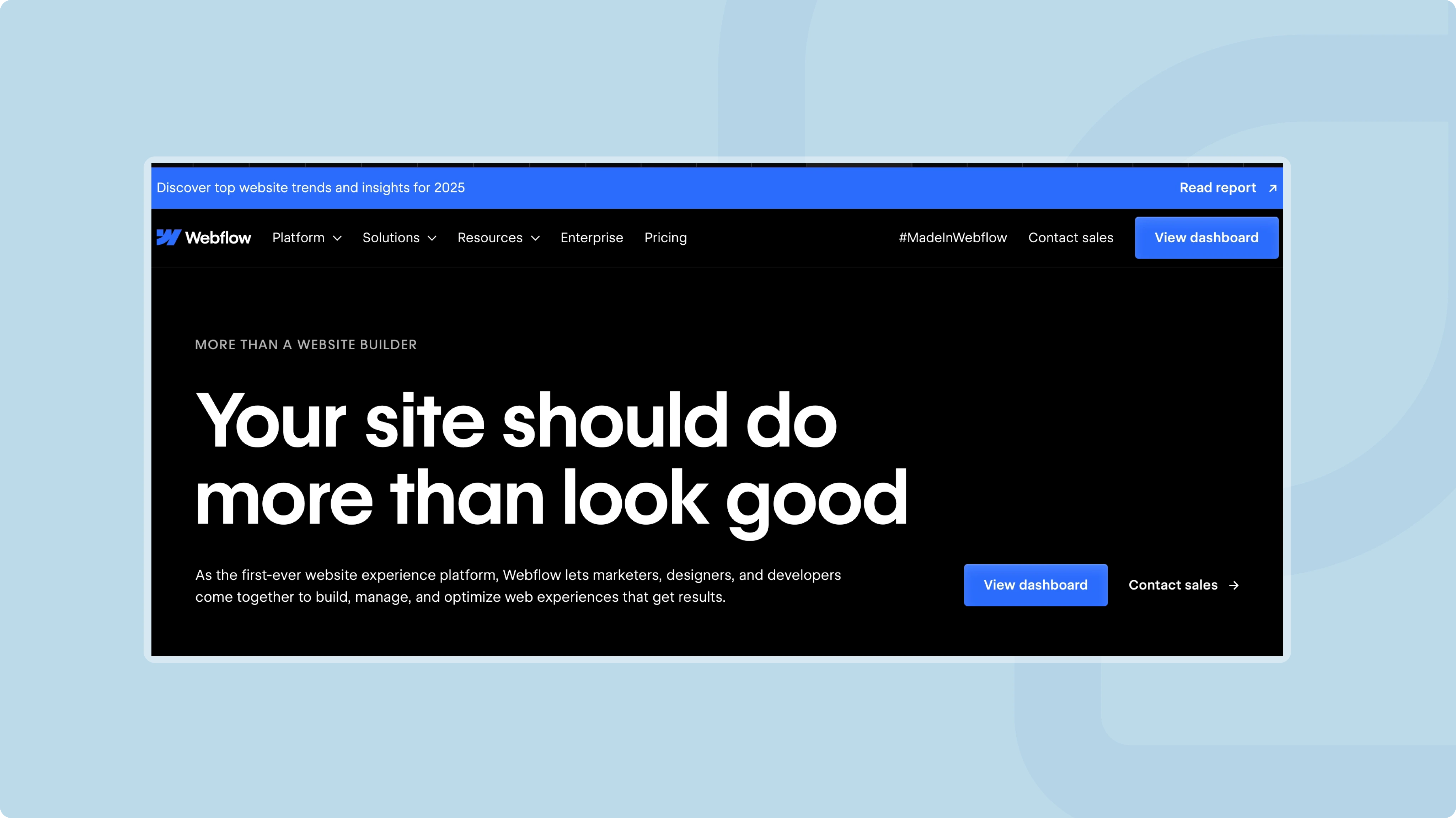
Launched in 2013, Webflow brings a solid CMS and built-in hosting together in one tool. It is aimed first at designers and developers who want a lot of creative freedom without writing code. In 2026, it keeps gaining ground thanks to its ease of use and its design-focused features.
Webflow vs WordPress, features
Ease of use
WordPress offers a fairly simple interface, but getting comfortable with it can take a beginner a long time. Managing themes, plugins and hosting requires technical knowledge.
Webflow relies on a visual drag-and-drop editor. It stays accessible without coding skills, because every change happens directly in a visual interface.
Flexibility and customization
WordPress lets you build almost any type of site thanks to its library of themes and plugins. Advanced customization does require knowledge of PHP, HTML or CSS.
.webp)
Webflow gives you complete freedom to design a custom site. Every element adjusts to the designer's vision, without the limits of an existing theme. Discover Ouiflow's latest projects.
Hosting and infrastructure
With WordPress, you choose a separate hosting provider. You keep more control, but technical management gets more complicated.
Webflow includes hosting built on AWS and Fastly. Pages load fast and you have no server to manage.
Webflow vs WordPress, performance and SEO
Loading speed
On WordPress, performance depends heavily on hosting and technical optimizations, such as choosing lightweight plugins and themes.
Webflow is built for performance. Hosting is optimized, the code is clean and pages load fast with no extra effort.
Search engine optimization
On WordPress, plugins such as Yoast SEO or Rank Math give you precise control over SEO settings. Setting them up can confuse a beginner, though.
Webflow builds the SEO tools in. You manage meta tags, URLs and the sitemap from a simple interface, with no extension to install. It is a turnkey solution. The tutorial below shows you how to manage your Webflow site easily.
Webflow vs WordPress, security and maintenance
Maintenance and updates
Because it is so widespread, WordPress is a frequent target of cyberattacks. You manage updates to the CMS, themes and plugins yourself, along with security through third-party solutions.
Webflow runs as SaaS (software hosted and maintained by the vendor). Updates and security are handled automatically, with no action on your side.
Reliability
On WordPress, a conflict between plugins or a hosting error can make the site unstable.
Webflow relies on a hosted infrastructure that ensures consistent uptime.
Webflow vs WordPress, costs and value for money
The WordPress CMS is free, but you have to add hosting, premium themes and plugins. The bill varies with your needs. It is a good option for a small budget or for a project that requires very specific features.
Webflow plans include hosting and start at a higher price. Everything is built in, which avoids hidden costs. It is a good option if you want an all-in-one tool with no technical management.
Webflow or WordPress, which tool for which project?
When should you choose WordPress?
WordPress works well for the following projects:
- Content-rich blogs
- E-commerce sites with advanced needs
- Platforms that require specific plugins (forums, LMS, etc.)
Its strengths are a very large community, almost unlimited customization and good scalability.
When should you choose Webflow?
Webflow works well for the following projects:
- Portfolios
- Showcase websites
- Projects that require a unique design
- Companies that want simple day-to-day management
Its strengths are high performance, custom design and smooth navigation for your visitors.
Conclusion
In 2026, the choice between WordPress and Webflow depends on your needs, your skills and your priorities. If you are looking for a flexible CMS with an active community and almost unlimited options, WordPress has proven itself.
If you value simplicity, design and performance, Webflow is a modern and effective choice.
Take the time to test the 2 platforms before you decide. Web technologies move fast, and choosing the right CMS today shapes your site's success tomorrow.