
A web interface that looks good, feels intuitive and loads fast takes creative talent, and also the right tools. In 2025, users expect a lot from their digital experience. To meet those expectations, web designers and UX/UI designers rely on tools that combine usability, interactivity and performance. Here is our selection of the web design tools you need in your design workflow.
Figma, the go-to tool for collaborative design
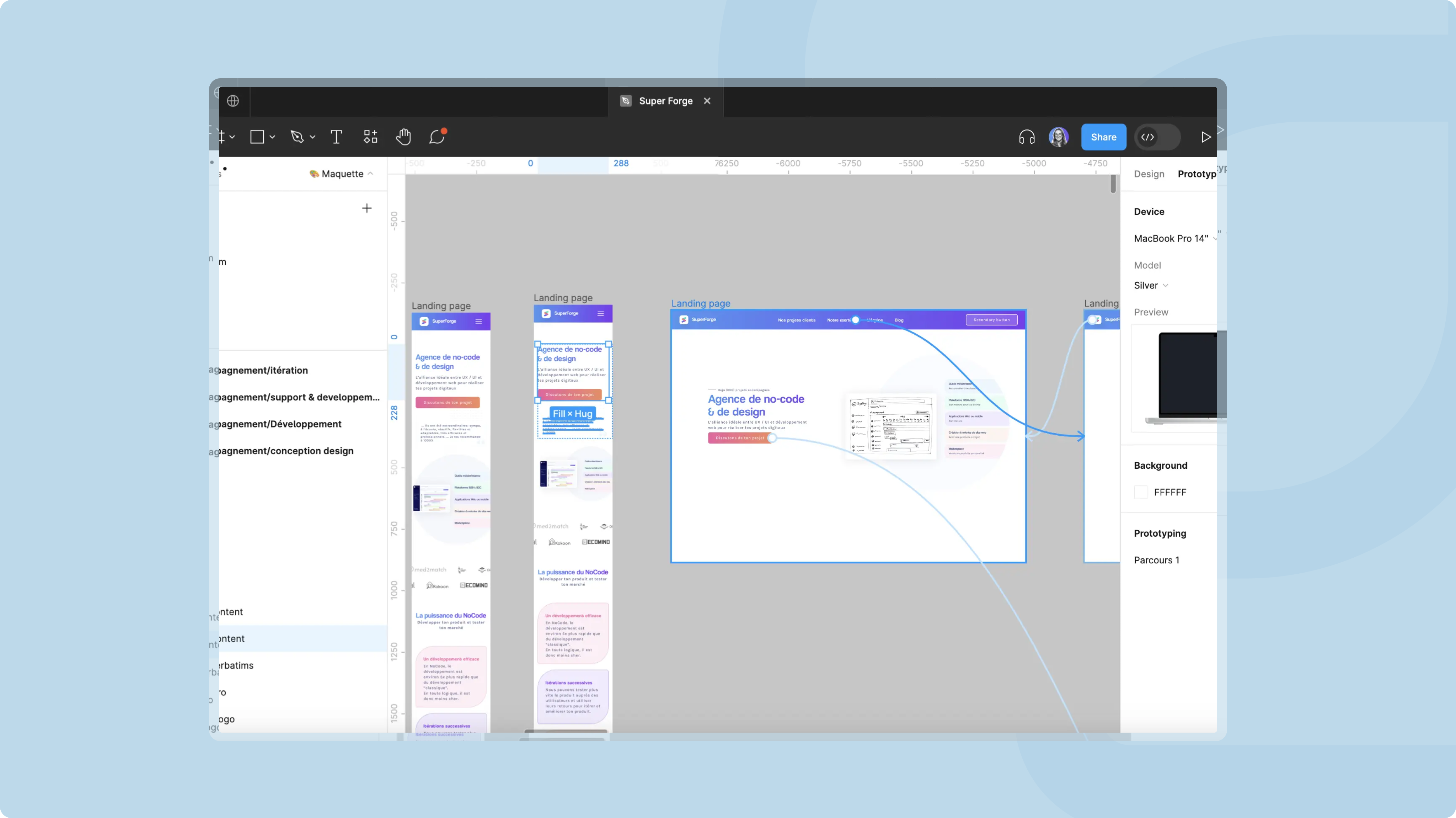
Figma quickly became one of the most powerful and popular tools for collaborative design, largely thanks to real-time collaboration. Unlike other design software, Figma lets several team members work on the same file at the same time. Approval times get shorter, communication gets simpler and the work moves faster. Every change is visible instantly to all participants, which makes coordination easier, even in large teams.
Figma also stands out for its flexibility and cross-platform compatibility. It runs directly in a browser, needs no complex installation and works on iOS and Android, so you can test interfaces on a wide range of devices. The tool keeps a very detailed version history, which helps when you need to roll back after a mistake or during a revision. Finally, its advanced design system management keeps visuals consistent throughout the project, a key point for uniformity in complex projects.
Miro, a visual and interactive space for co-creation
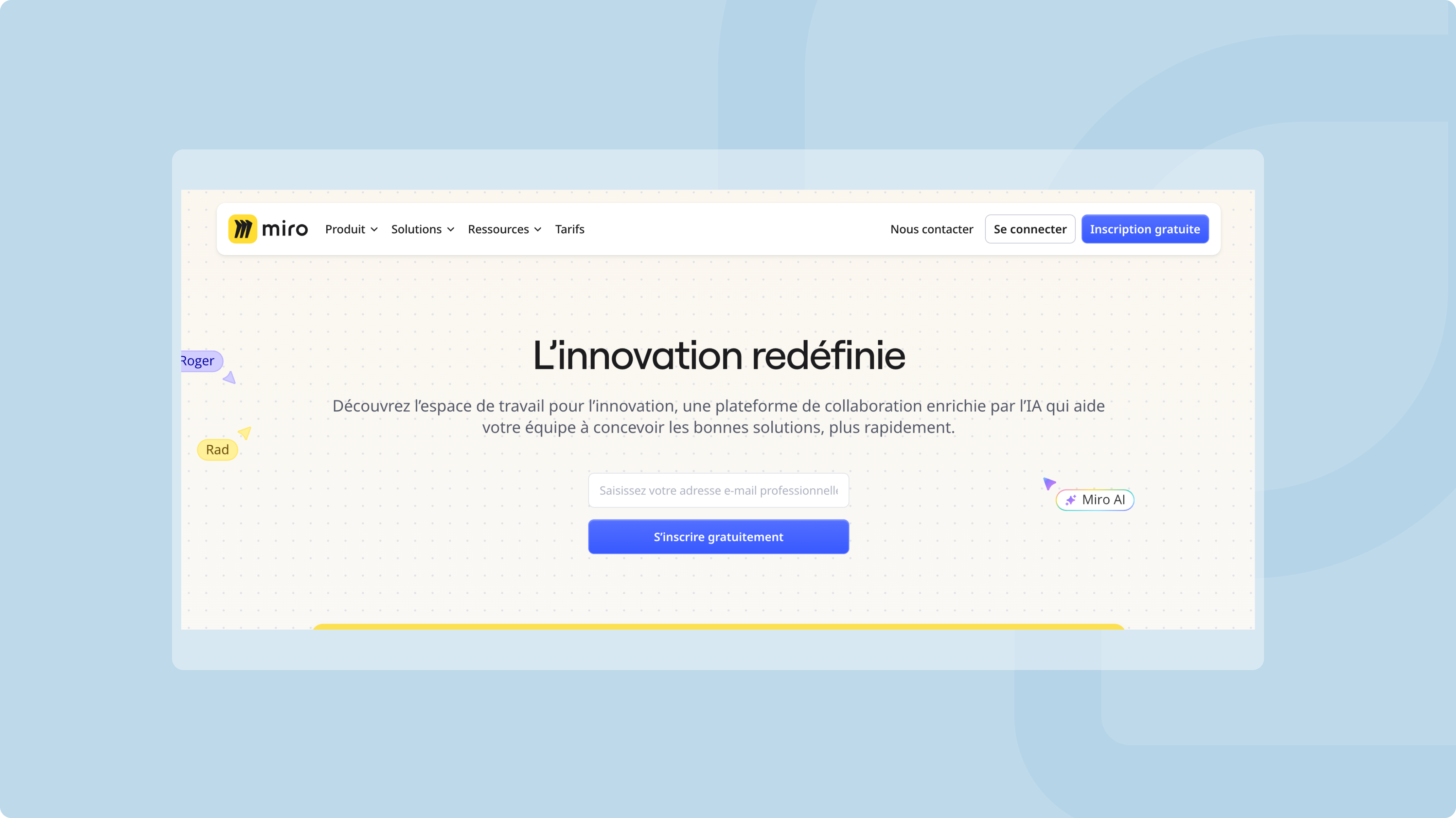
Miro is another tool widely used by design and development teams, especially for brainstorming sessions and collaborative workshops. Its digital whiteboard offers an interactive space where it is easy to map out ideas, organize user journeys or structure projects with methods such as Kanban, mind mapping or flowcharts. In this visual environment, participants see the processes, interact in real time and co-create without friction.
Miro stands out from other collaboration tools with its many features for running workshops. Users get a built-in chat to talk instantly, a voting system to make group decisions and a timer to manage session time. Miro also makes it easy to share and export the content you create, which keeps continuity between the design phase and the production phase.
Maze, for testing mockups remotely with ease
Maze lets you put prototypes to the test in real conditions, without organizing on-site testing. With remote user testing, you validate your mockups before development even starts. The tool generates interactive scenarios from existing mockups. You then share them via a link to collect concrete, detailed feedback from users.
Maze automatically analyzes test results and provides detailed, visual reports to help you decide what to improve. You collect qualitative and quantitative feedback quickly, at a lower cost and in less time than traditional testing. Direct integration with Figma makes it easy to import prototypes into Maze, which speeds up the process even more.
.png)
Mobbin, an always up-to-date source of inspiration
Mobbin is a valuable resource for designers looking for inspiration. It gathers a vast collection of interfaces from popular apps and websites, so you can discover modern, effective design practices. The tool covers a wide range of screens and features. It works as a visual reference for a specific project as well as for broader design questions.
Mobbin stands out because it is constantly updated. Its library grows every week with new interfaces drawn from the latest market trends, so users always find fresh, relevant ideas. Mobbin also lets you save interesting elements in custom collections and share them with other team members. You build a shared base of references to fuel creative thinking.
Attention Insight, AI for visual analysis
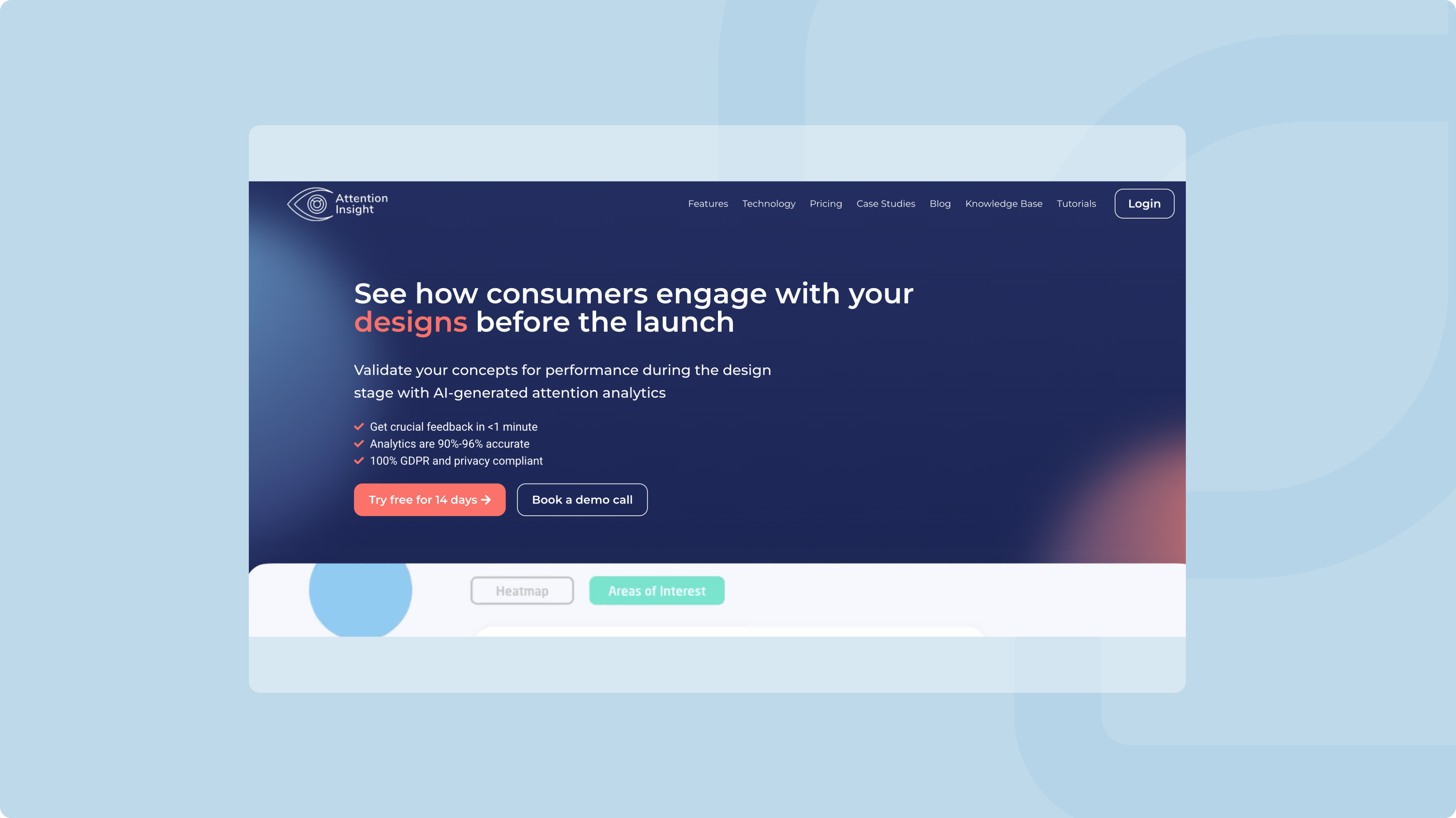
Artificial intelligence is taking a growing place in design tools, and Attention Insight is a good example. With AI-generated heatmaps, the tool shows at a glance which areas of an interface draw the most user attention. This data helps you prioritize information and arrange visual elements better from the earliest stages of design.
Attention Insight integrates easily with popular tools such as Figma and Chrome. Designers get reliable, accurate analysis without changing their work habits. The tool lets you quickly adjust an interface's elements even before user testing, which saves time in the design process.
Stark, for digital design that is accessible to all
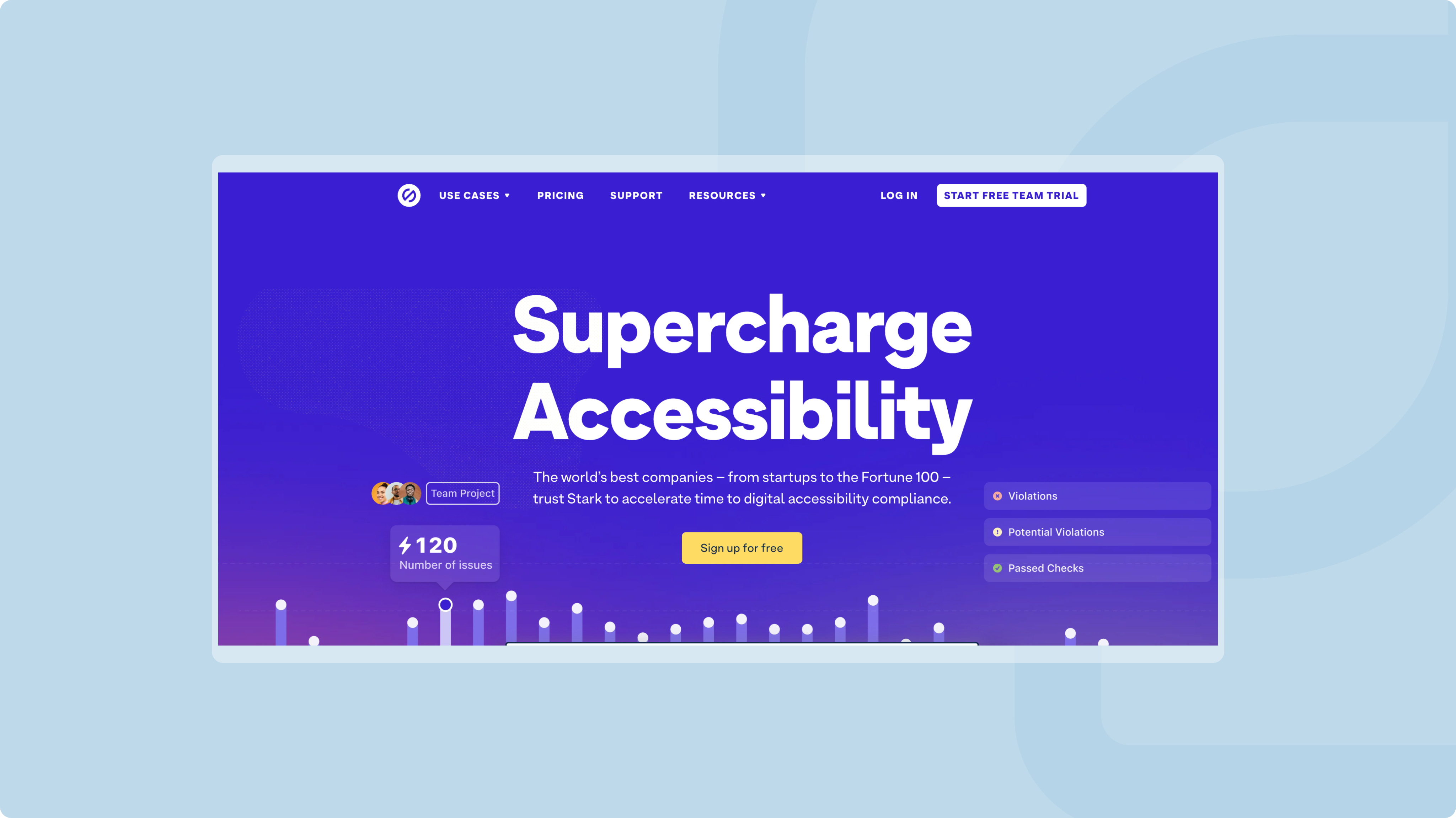
Accessibility is a major issue when building websites and web apps. Stark is designed specifically to make interfaces more inclusive. It checks text readability, color contrast and compliance with accessibility standards in real time, while you design. By making sure interfaces are accessible to everyone, Stark helps create digital experiences that leave no one out.
Compatible with tools such as Figma and Chrome, Stark fits easily into designers' daily work without weighing down the creative process. Its instant fixes improve the accessibility of projects without breaking the design rhythm. It is a tool every designer needs if they want their work to be usable by everyone, whatever their needs or abilities.
Conclusion, web design tools built for modern demands
An effective, engaging web interface takes creativity, rigor and the right tools. Figma for collaboration, Maze for testing or Stark for accessibility, each platform plays a key role in the success of a web project. By building these solutions into your creative process, you lay the foundations for a rich, consistent and high-performing user experience.