
Why an optimized Webflow site needs a good SEO structure
A well-structured website matters for any business, and even more so for SEO on Webflow. A logical structure helps search engines understand your site's content and show it to the right people. It should therefore never be overlooked. Many tools exist to improve SEO, but a good SEO structure is an integral part of optimizing your Webflow site for search engines.
A good SEO structure, a key factor
With the rise of digital media, a good SEO structure has become increasingly important for your Webflow site. Search engine optimization (SEO) means working on a website's content to make it more visible to search engines and improve its ranking in the results. Webflow gives you access to powerful tools to build an optimized site, with a solid overall SEO structure.
By making the most of these features, you make sure your site is seen by potential customers searching online for information or services related to your business. With the right approach, you gain visibility and can drive more organic traffic thanks to better rankings on the most widely used search engines, such as Google, Bing and Yahoo. Potential customers and prospects who are actively looking for businesses like yours then find you more easily.
Why use Webflow to optimize your SEO?
Search engine optimization (SEO) is a key part of any website that works. Webflow gives users the tools they need to optimize their site for SEO and get maximum visibility on search engine results pages.
Webflow is an intuitive, no-code platform. It lets businesses build polished websites without programming knowledge or expensive developers. With drag-and-drop editing, a built-in CMS and automated hosting, Webflow makes it simple to build interactive, high-performing sites. Webflow also gives you access to powerful SEO tools, which make optimizing your site simpler than ever.
With Webflow's advanced SEO settings, you can easily edit meta tags and titles, and customize your robots.txt file so search engines crawl your pages correctly.
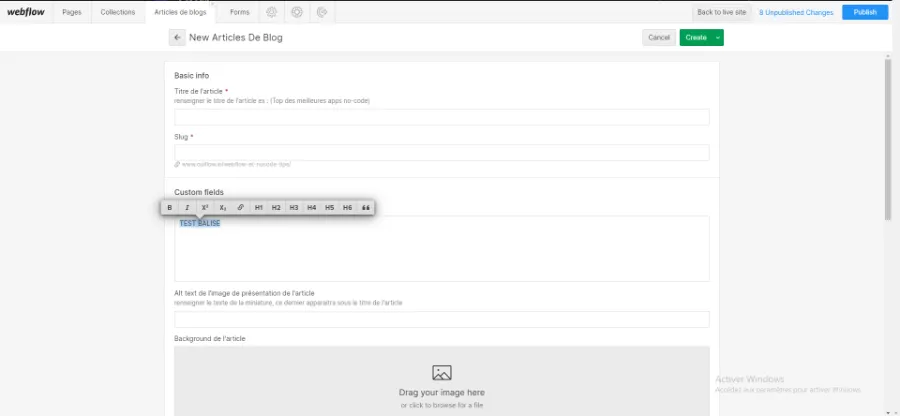
Webflow's other advantages
Webflow of course has many other advantages for designing your website.
To begin with, Webflow lets you design visually polished websites in a fraction of the time it would take to hand-code the HTML.
Its intuitive interface offers drag-and-drop editing tools that make it easy to create complex layouts.
Its built-in CMS makes managing your content simple and efficient. This is especially useful for businesses that often need to update their pages to keep up with trends in their industry.
Finally, Webflow lets you customize forms to collect useful data from your customers or prospects, directly on your site.
Conclusion
A well-structured Webflow site is the foundation of good SEO. With solid foundations, your content is easy to navigate and your website ranks higher in search engine results. Think about your site's structure from the very start of the design process. Every element can then fit with the others to deliver an effective user experience. Using Webflow also brings you real advantages when designing your site. The security and ease of use it offers are unmatched on the market.
You now know why a good SEO structure is necessary on a Webflow site.
You have everything you need to make your website a well-ranked site.
Now it is your turn.